Agents
Chat with your agents as they work: replies stream in, with tool calls, diffs and images. Switch between Ask, Accept edits and Plan, or stop a turn.
 Link
Link
Link is an Android app for the coding agents already running on your computer. Add the computer once: Link connects over SSH, finds Claude Code, Codex, Gemini CLI, GitHub Copilot CLI and 15 other coding agents, and lists every session in one place. Start a task, answer an approval, review the exact change or open a terminal, wherever you are.
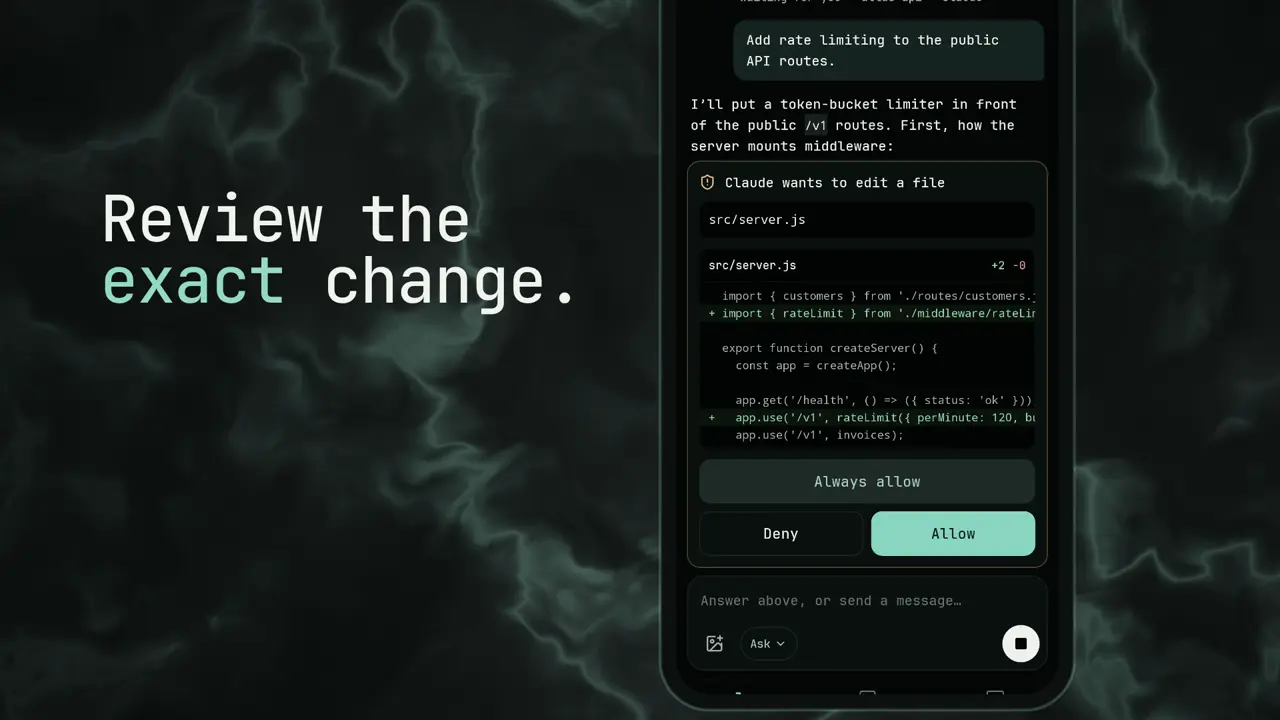
Link connects over SSH and checks the computer's host fingerprint. The SSH profile is kept in the phone's Android Keystore.
Link finds the agent CLIs installed there and merges their sessions, filtered by agent and project. Running now shows what is live on your computers, refreshed every 30 seconds.
An approval or a question arrives as a notification, then a card: Allow, Deny or Always allow, with the exact change in front of you. The lock screen says only that an agent needs your input.
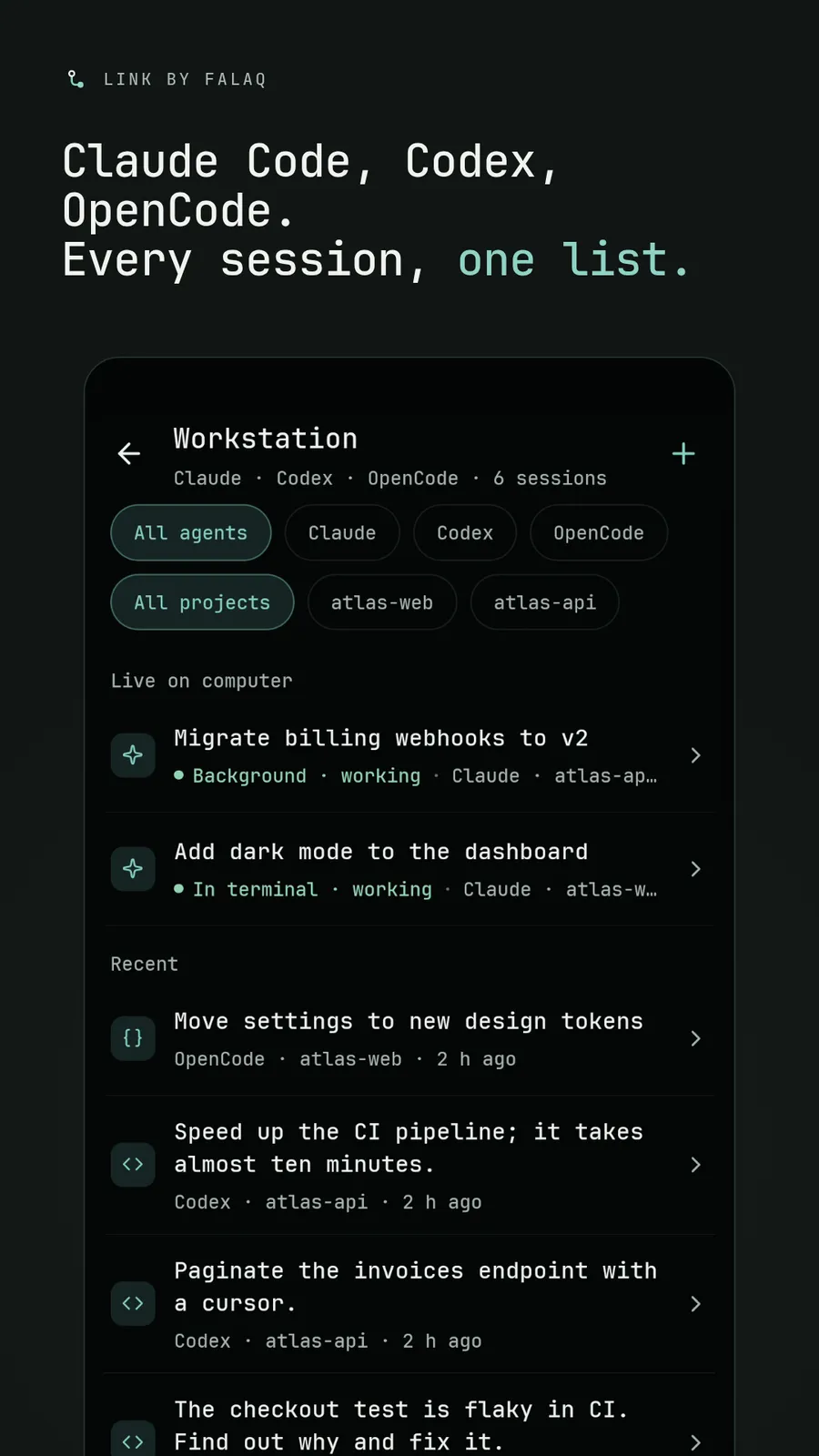
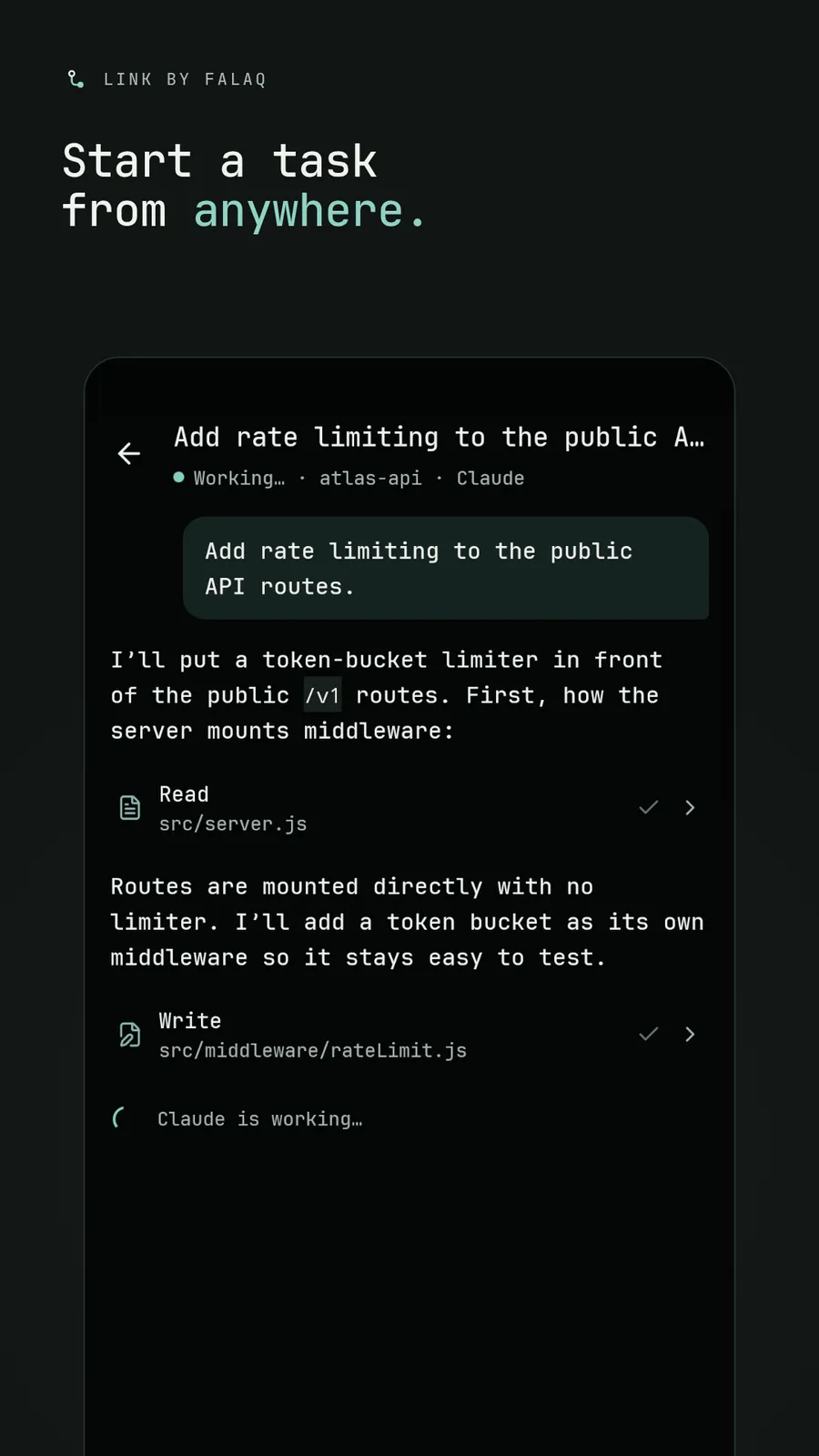
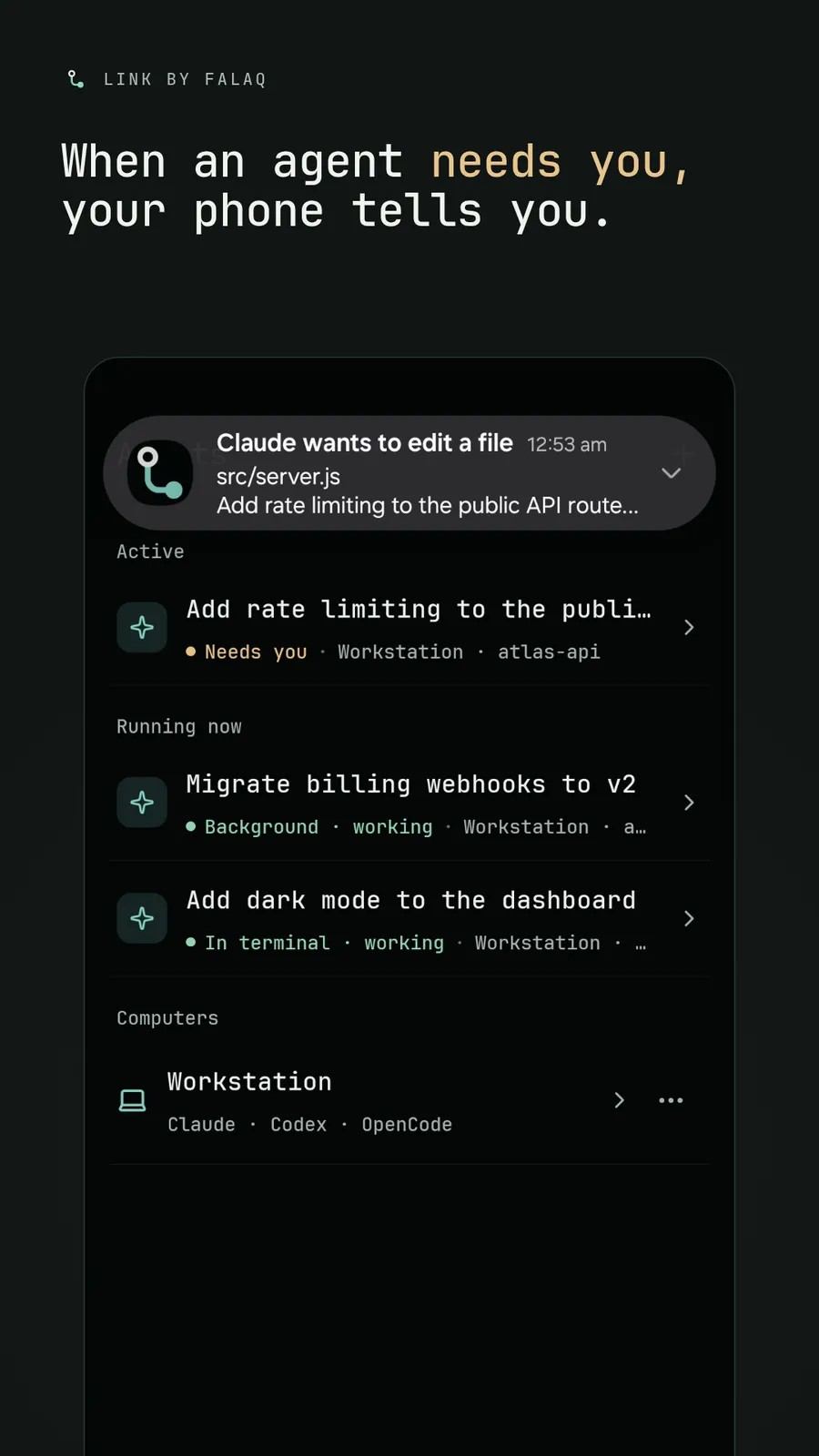
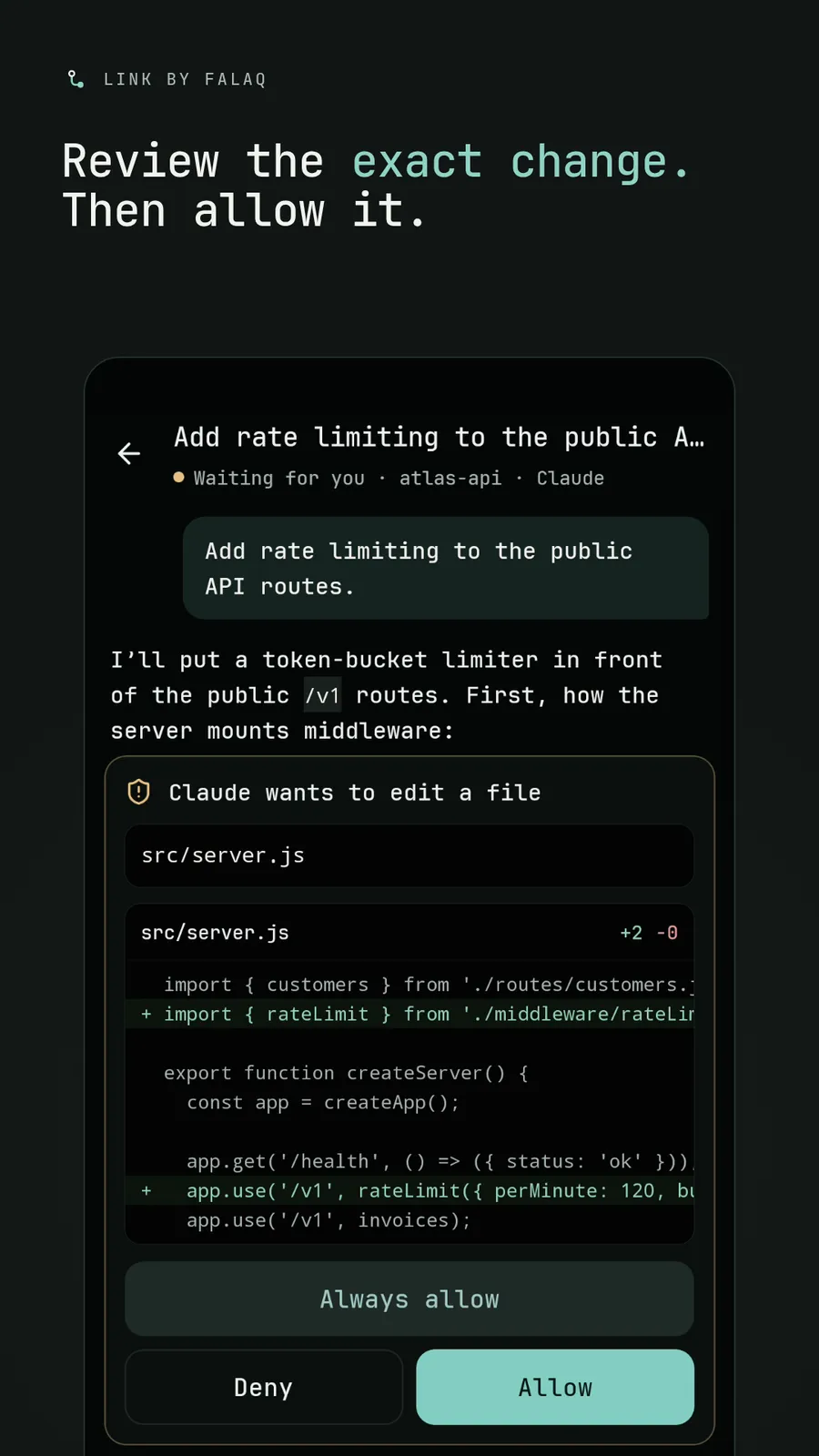
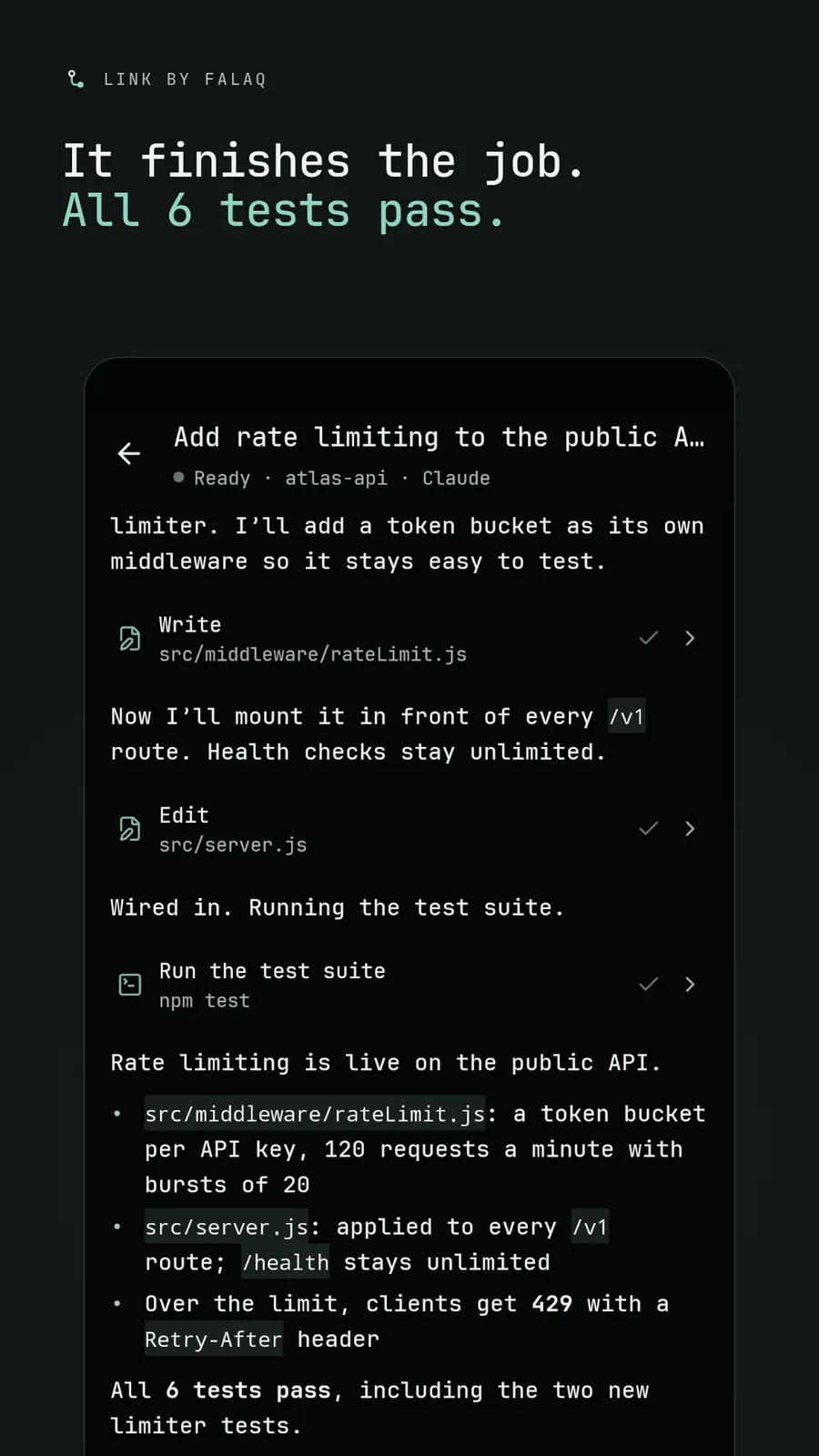
Chat with your agents as they work: replies stream in, with tool calls, diffs and images. Switch between Ask, Accept edits and Plan, or stop a turn.
A real interactive terminal on the same computer, for everything the agents don't cover.
An early remote desktop: the screen in portrait or full-screen landscape, touch as a pointer, and text and common keys.
Logins, API keys, transcripts and source code stay on the computer. The phone keeps only the SSH profile and up to ten shortcuts to recent sessions, in the Android Keystore. Nothing is stored or relayed by us: the phone talks to your computer directly.
Link is in development. If you run coding agents on your own machines, we'd like to hear how.